ATO: Tax, Super + You · Federal government · Australia-wide
Tax, Super + You: the ATO’s tax and super lessons, found by curriculum code
Tax, Super + You is the Australian Taxation Office’s free financial literacy site for schools. From 2019, before Hotpot Digital, our team designed and built it on Drupal 9: a library of tax and super resources mapped to the Australian Curriculum, for teachers, students and parents, then a learning platform with classes and an online course. It meets WCAG 2.0 AA and won an IPAA Learning Award in 2022.
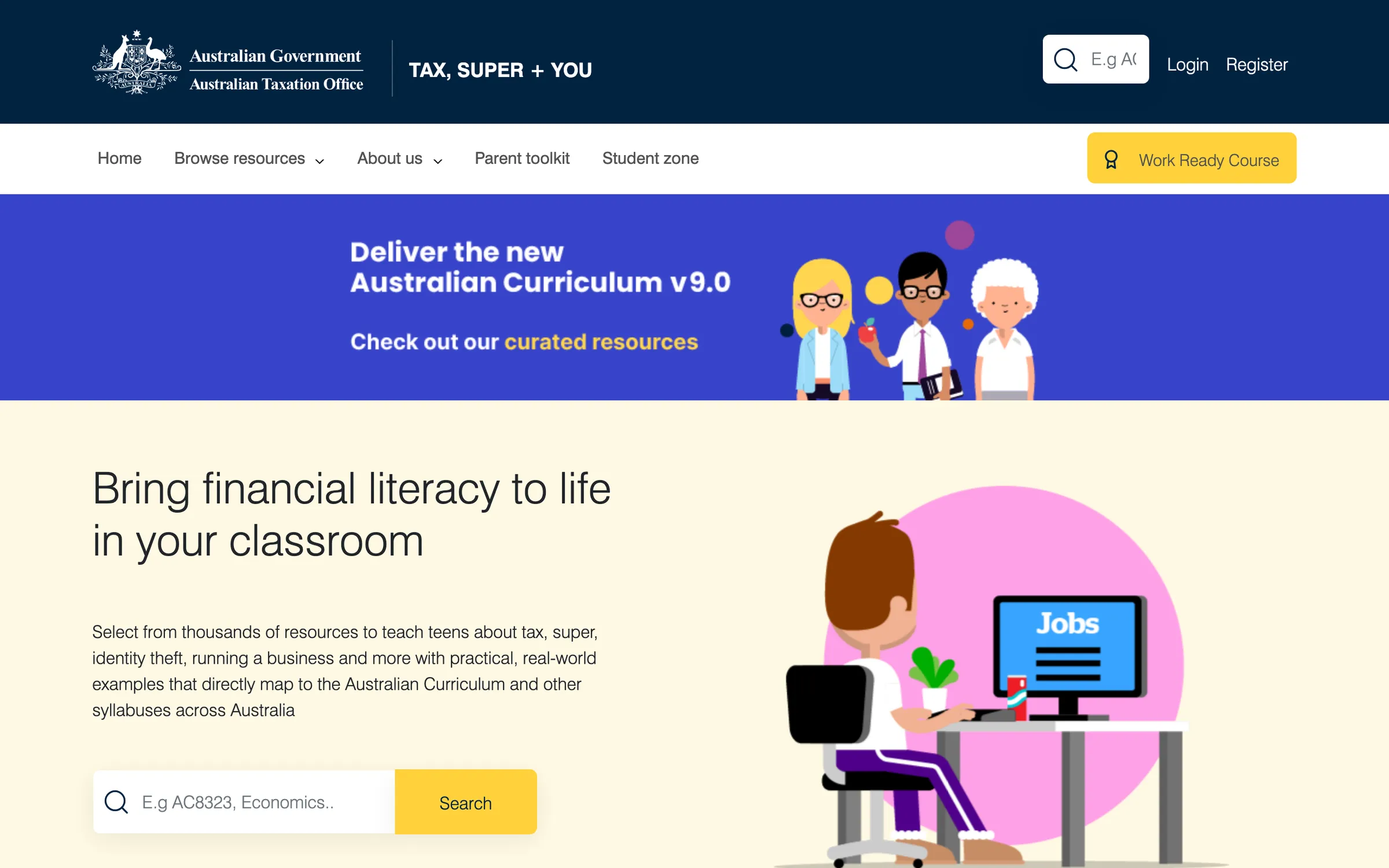
The brief
Teachers look for lessons that fit what they already have to teach: their subject, their year level and the curriculum code in front of them. Students and parents need their own way in, and as a government site, every part of it had to be accessible.
The ATO wanted one place for students, teachers and parents to build financial literacy, holding thousands of resources mapped to the Australian Curriculum and other syllabuses. It had to match the ATO’s brand and sit alongside its main website, meet WCAG 2.0 AA throughout, and search a large resource database quickly. A learning platform for lessons and assessments followed as a second stage.
What we did
- Workshops and months of research with each user group
- A scope document with wireframes, then sprints with a report after each
- UI and UX design for every template, prototyped in InVision
- Two rounds of user testing with students and teachers
- A Drupal 9 build with Bootstrap, jQuery and React, themed in Sass
- Search and browsing across the whole resource library
- Calculators for the lessons, backed by JSON endpoints
- The learning platform for lessons and assessments, then support after launch
Resource search
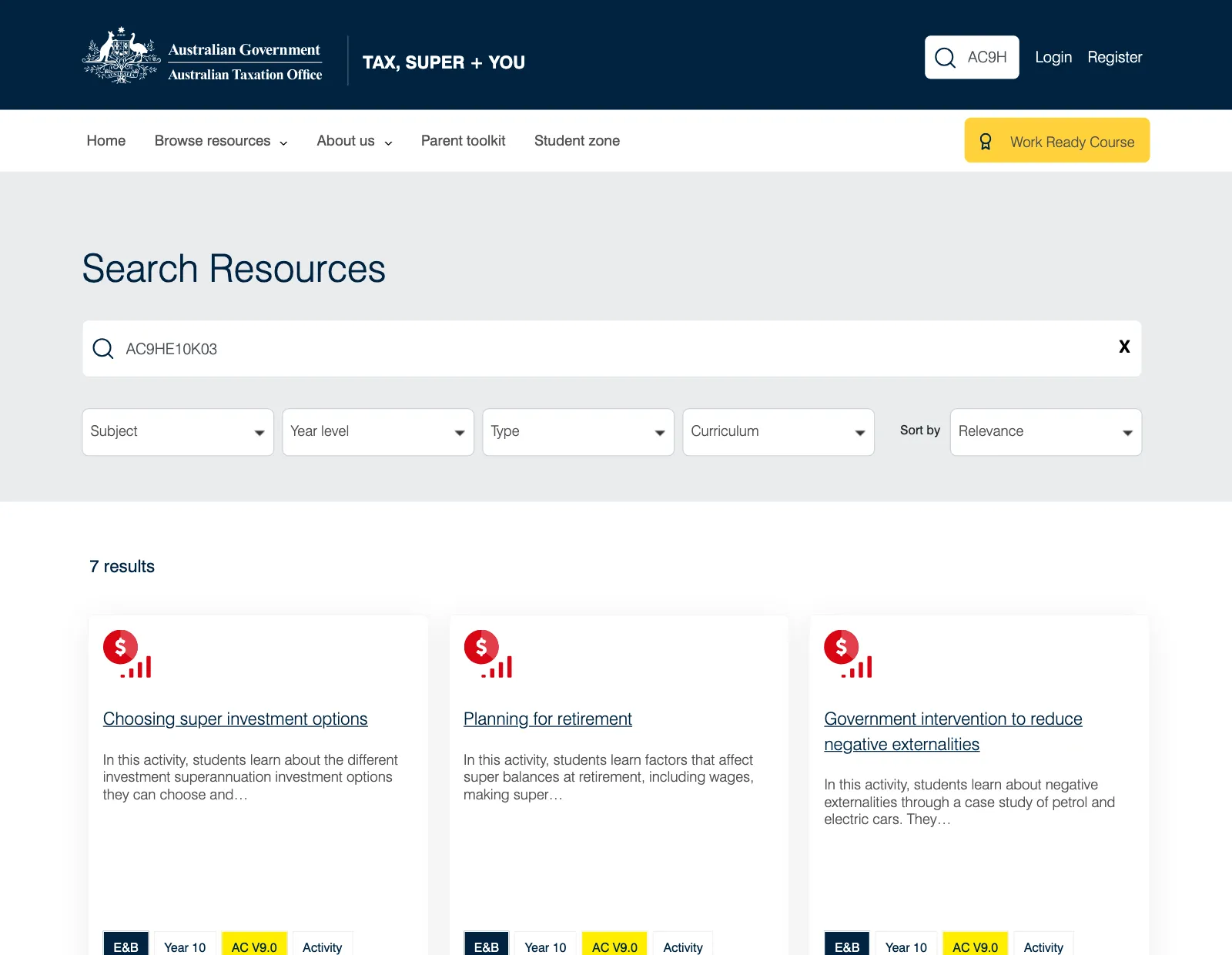
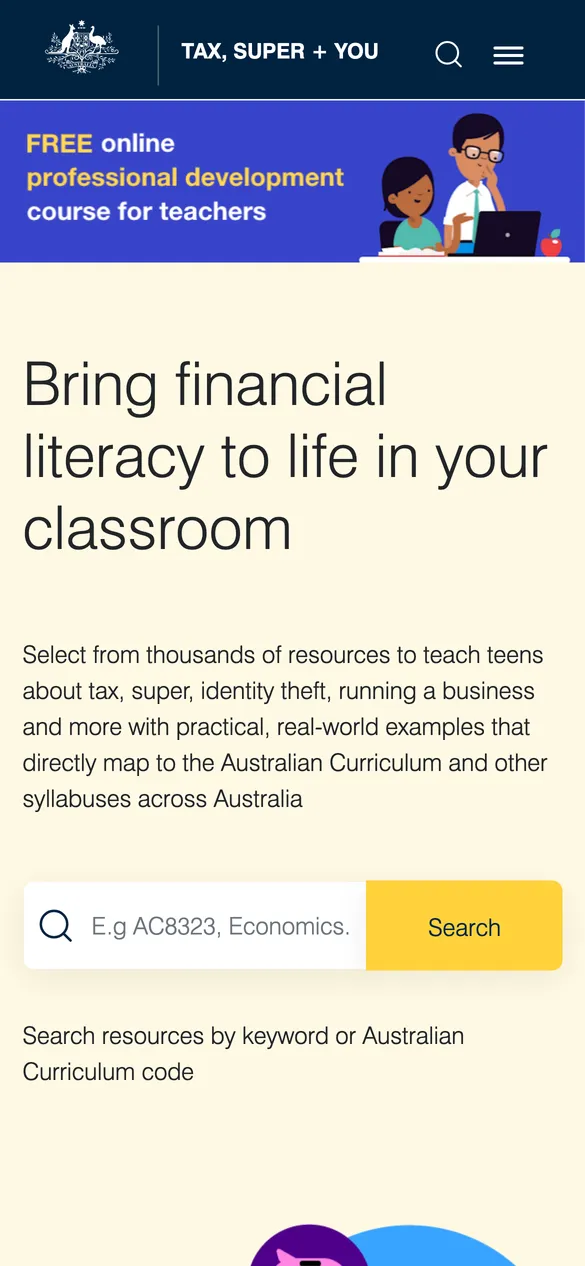
Search by topic or by curriculum code
Teachers plan against the Australian Curriculum, so the search takes a curriculum code as readily as a keyword. Results narrow by subject, year level and resource type, and each card shows its subject and year level, so a teacher can tell at a glance whether an activity fits the class in front of them.
Browse menu
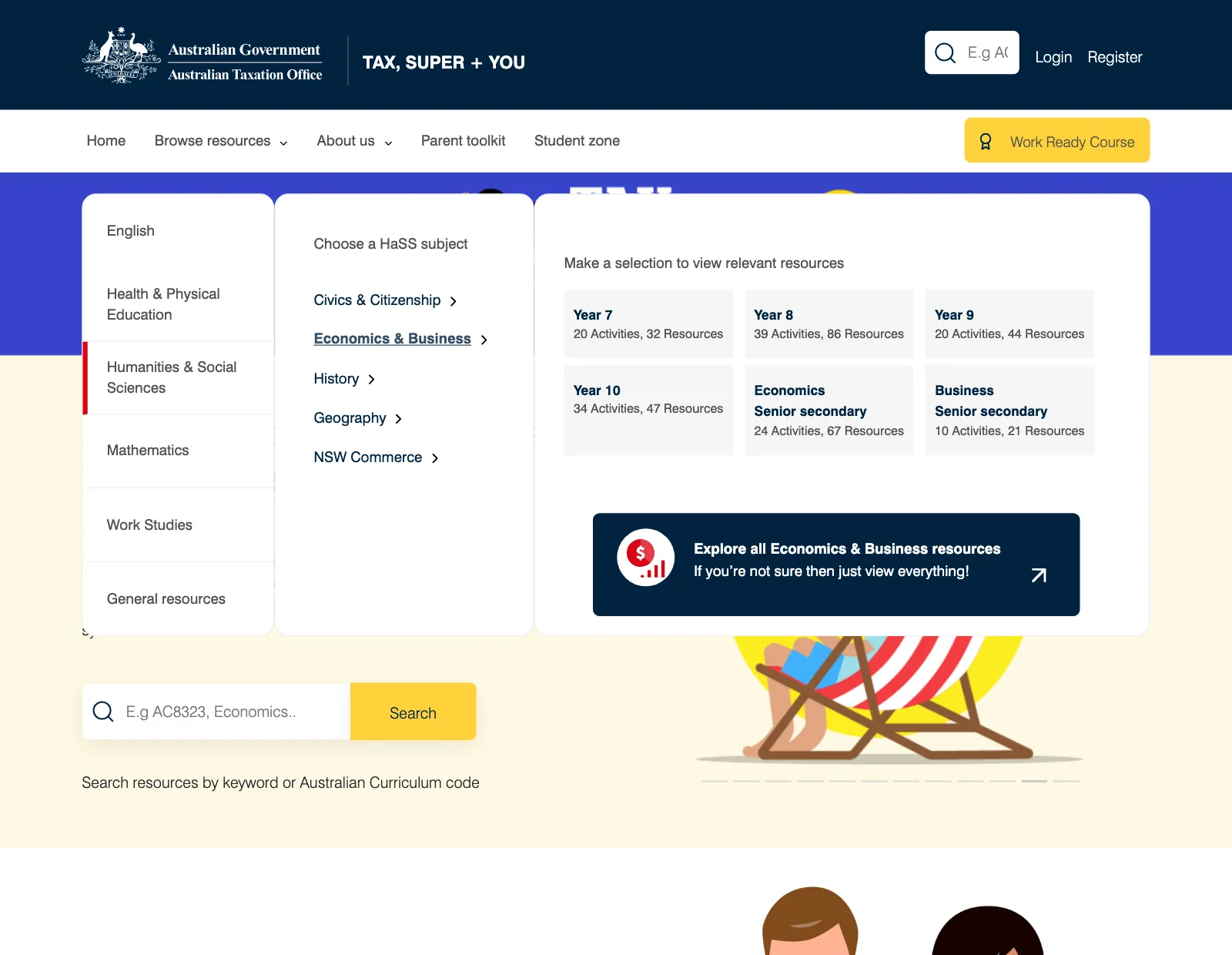
Browse the way the curriculum is organised
The Browse resources menu follows the curriculum: learning area, then subject, then year level, with a count of activities and resources for each year. It opens with the mouse or the keyboard and tells screen reader users how to move through it, as the whole site was built to WCAG 2.0 AA and tested twice by the ATO’s accessibility team.
Activity pages
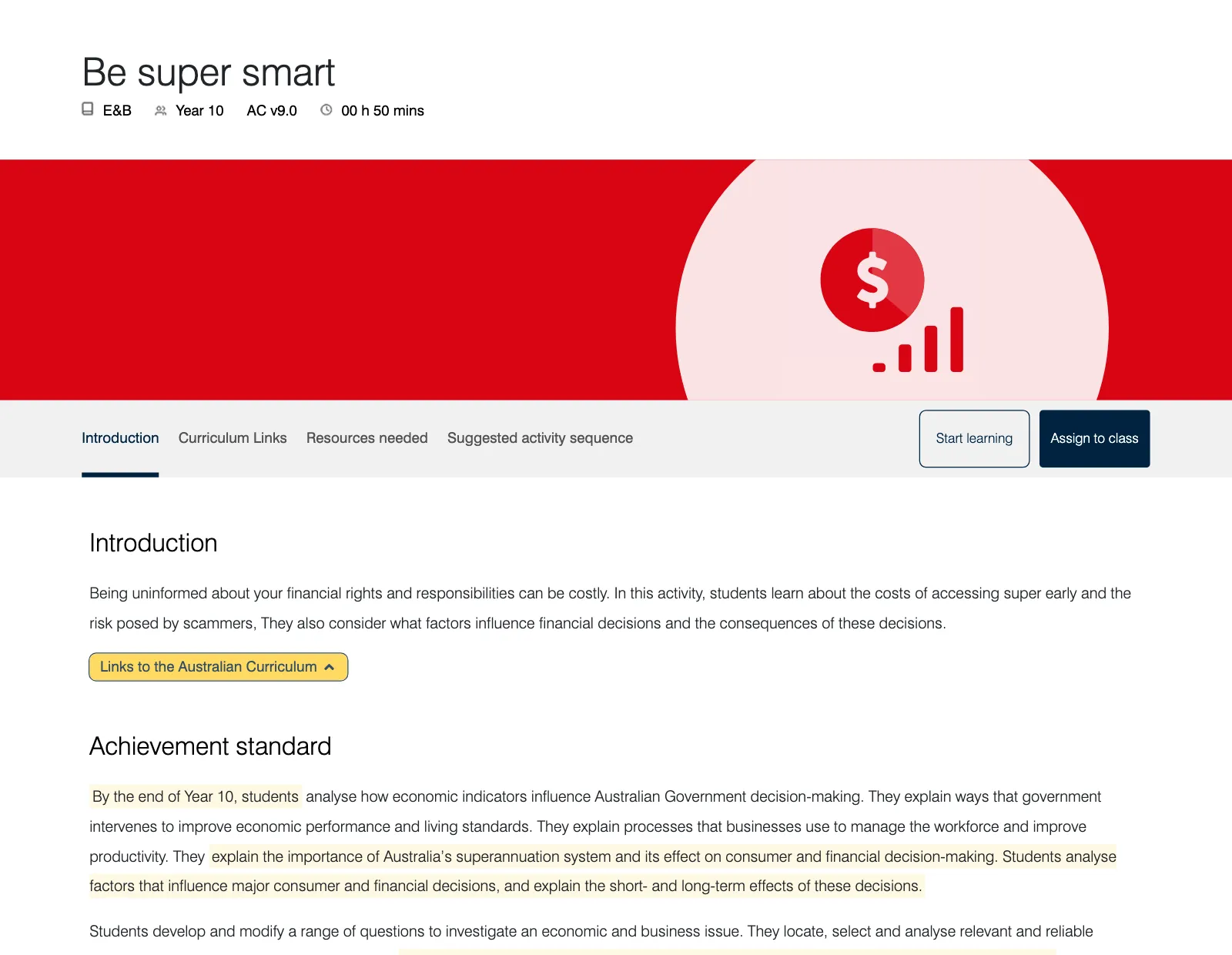
Every activity tied to the curriculum it teaches
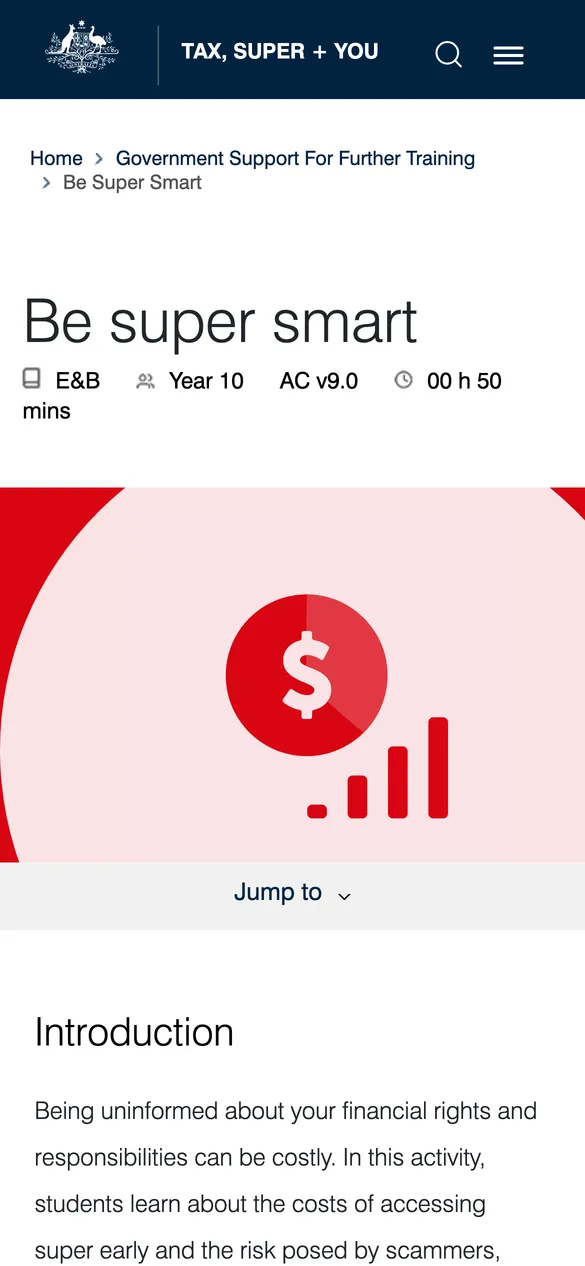
Each activity page opens with its subject, year level and running time, then tabs for the introduction, curriculum links, resources needed and a suggested sequence. Links to the Australian Curriculum opens the achievement standard with the parts the activity covers highlighted, and teachers can start the activity or assign it to a class from the same bar.
Work Ready Course
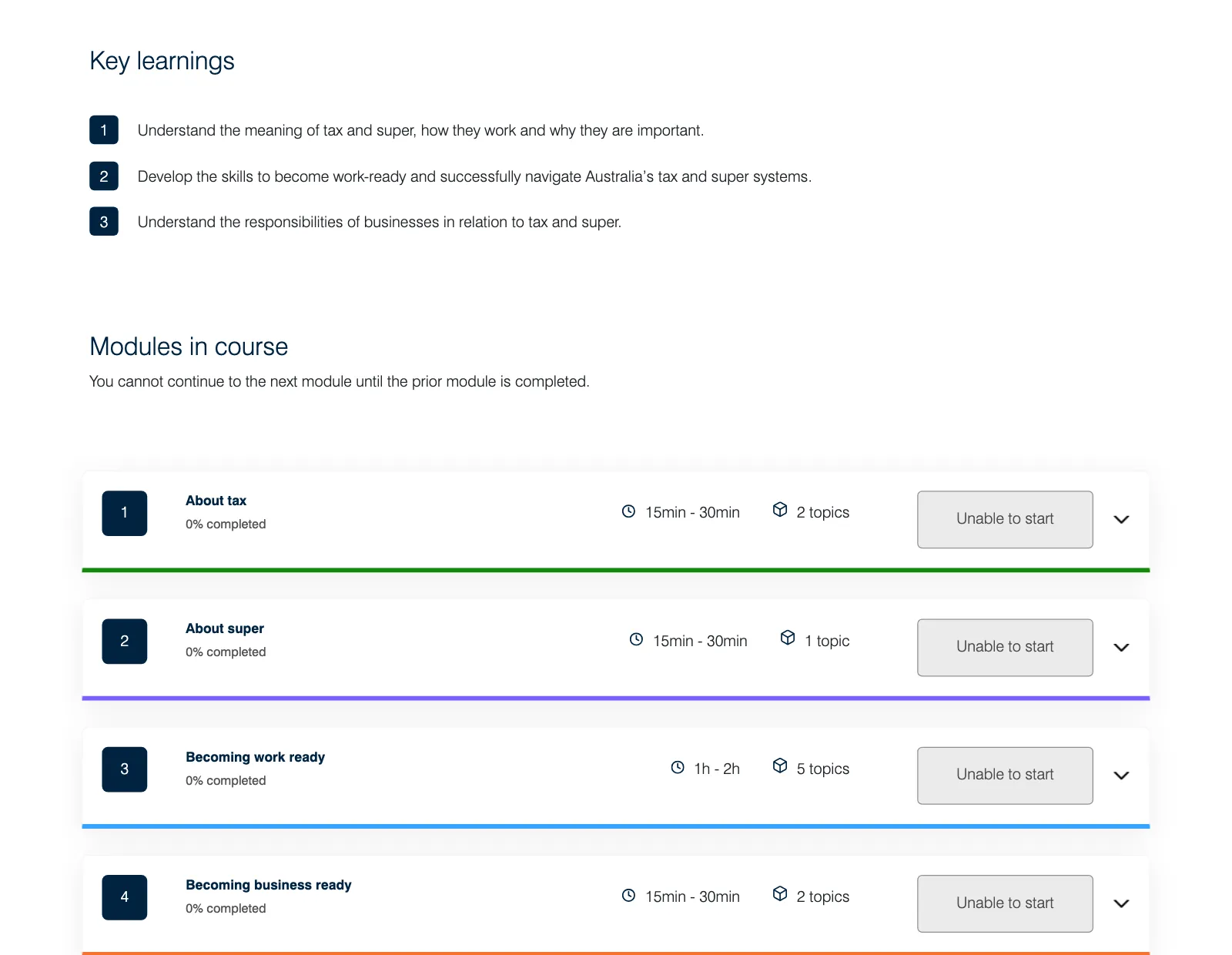
A self-paced course that opens module by module
The learning platform added the Work Ready Course for students in Years 10 to 12. It runs in four modules, from About tax to Becoming business ready, each with its topics and a time guide. A module opens once the one before it is complete, and the course isn’t timed, so students work through it at their own pace.
Student zone
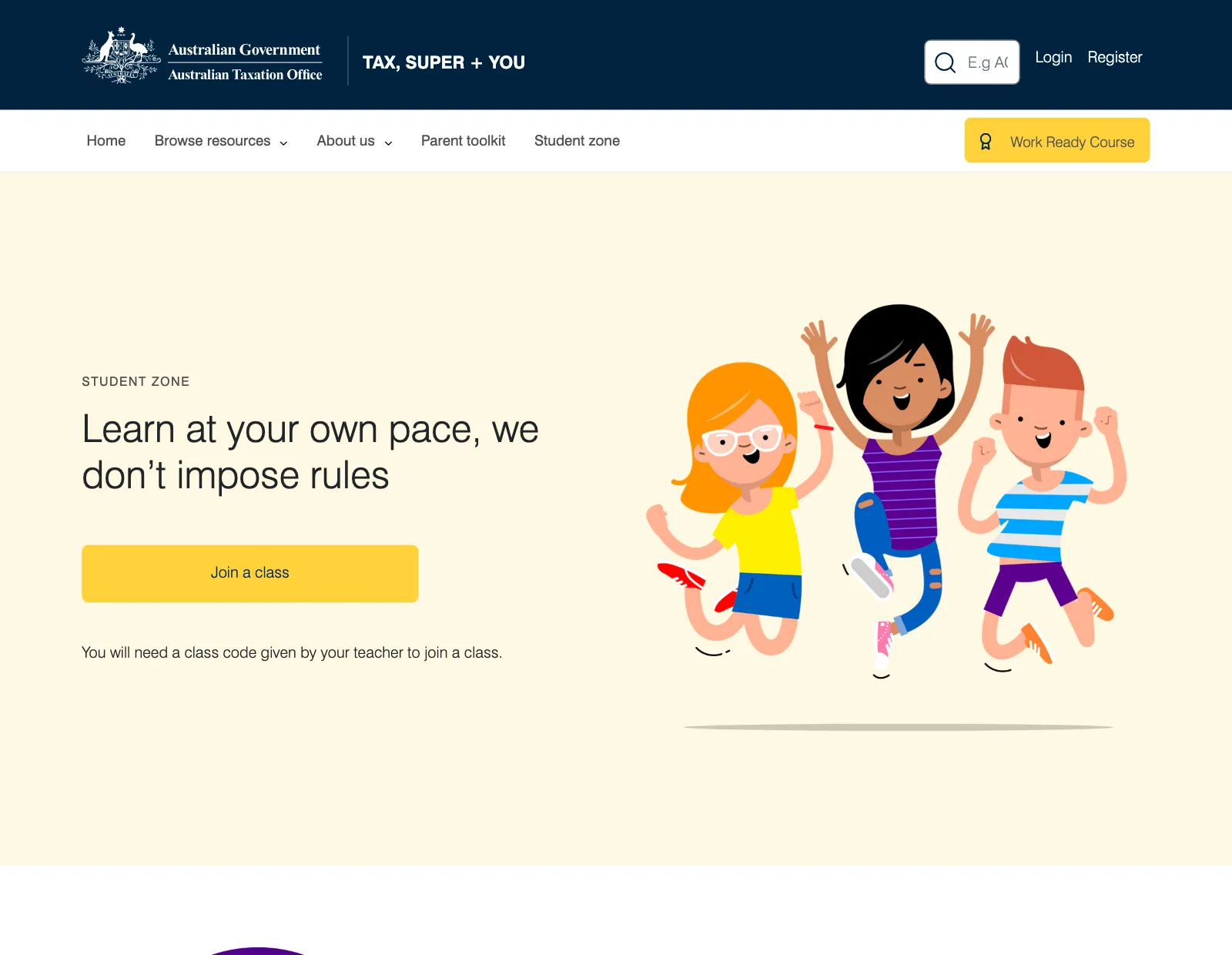
A way in for students and for parents
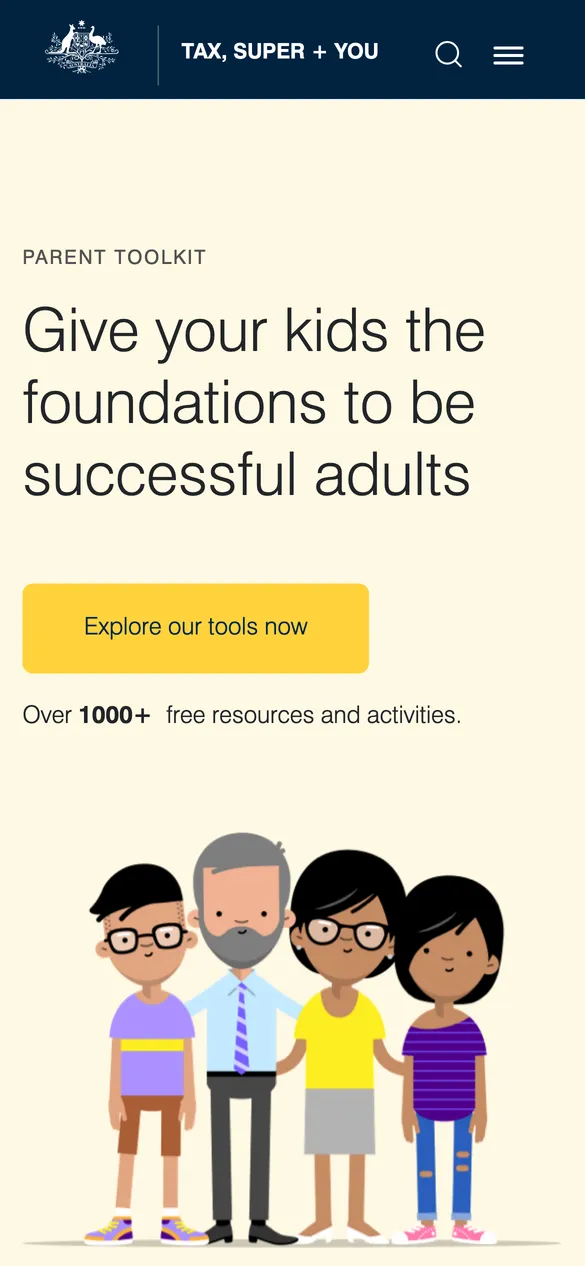
Students and parents have their own starting points. In the Student zone, a student joins their teacher’s class with a class code and learns at their own pace. The Parent toolkit points families to the same free resources for use at home. Teachers create the classes, assign activities and follow their students’ work.
On any screen
Built for classrooms, homes and phones
Every template was designed for phones as well as desktops, and tested on devices before launch, so a student can open an activity on whatever they have. On a phone, the activity tabs fold into a Jump to menu. The site replaced the old Tax, Super + You site in 2022 and still runs on the theme we built.
Key facts
- Client
- Australian Taxation Office (ATO)
- Industry
- Federal government, education
- Based in
- Canberra, for schools across Australia
- Built
- 2019–2022
- Platform
- Drupal 9, with Bootstrap, jQuery and React
- Hosting
- Amazon Web Services, with a cloud hosting partner
- Delivered by
- Our team, before Hotpot Digital
- Today
- Live at taxsuperandyou.gov.au on the design and theme we built
FAQ
Questions about this project
Who designed and built the Tax, Super + You website?
Our team did, from 2019 to 2022, before Hotpot Digital. We designed it through two rounds of user testing, built it on Drupal 9 and then added the learning platform, working in sprints with a report to the ATO after each.
What does Tax, Super + You include?
A library of tax and super resources mapped to the Australian Curriculum, searchable by keyword or curriculum code and browsable by learning area, subject and year. Activity pages that teachers assign to their classes, a Student zone, a Parent toolkit, and the Work Ready Course for students in Years 10 to 12.
Is this the website the ATO uses today?
Yes. The site went into public beta in early 2022, replaced the old Tax, Super + You site that year, and still runs on the design and theme we built. The ATO has added content since, such as resources for version 9.0 of the Australian Curriculum. The screenshots here were taken from the live site on 28 October 2026.
What would a site like this cost with Hotpot Digital?
A platform with logins, classes and a searchable library is a custom build, so we quote it at a fixed price after a discovery call. For a simpler site, our packages start at $1,490 + GST for Launch, and Business is $3,990 for up to 10 pages.
How long does a project like this take?
This one ran in stages: we were engaged in 2019, and the new site and learning platform went live in 2022 after a public beta. For a custom build, we set the timeline with you after the discovery call and put it in writing with the fixed price.
More work
Keep exploring
Lighting Illusions
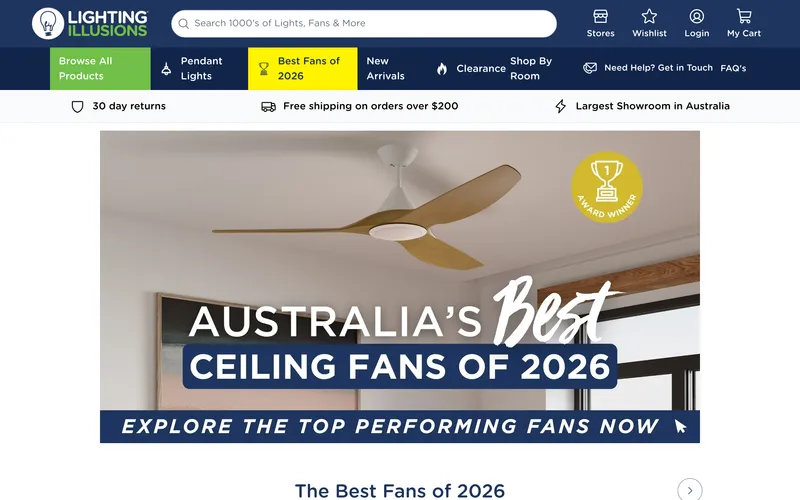
A custom online store for a national lighting and fan retailer, linked to its ERP.
- Custom builds
- Hosting & care
River Sands
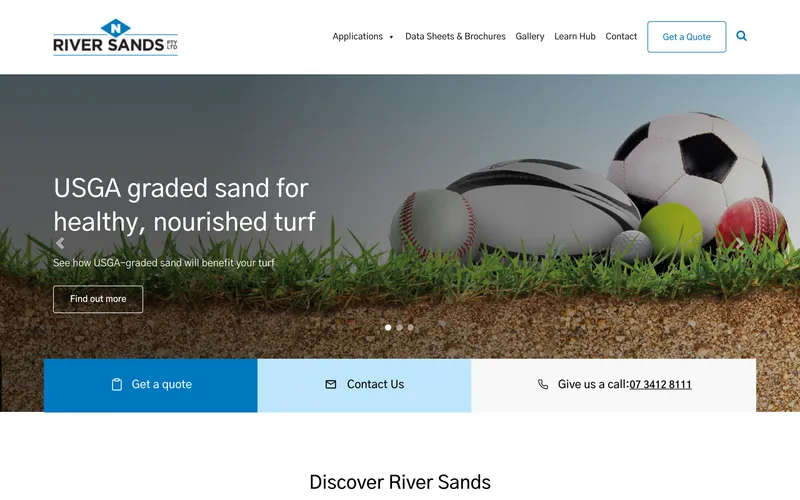
A product site for a Queensland sand supplier, built to bring in quote requests and calls.
- Websites
BITS Technology Group
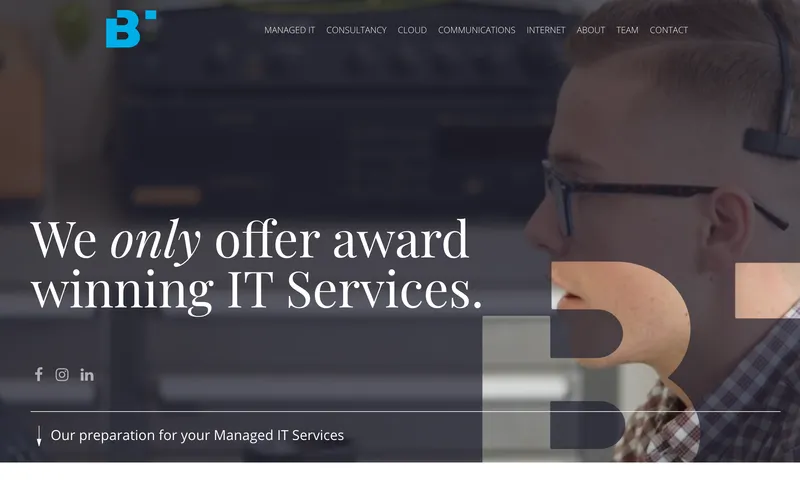
A WordPress site for a managed IT firm, with a page per service and a chat one click away.
- Websites