HomeGuardian.ai · Health technology · Gold Coast
HomeGuardian.ai: one care device, explained, compared and sold online
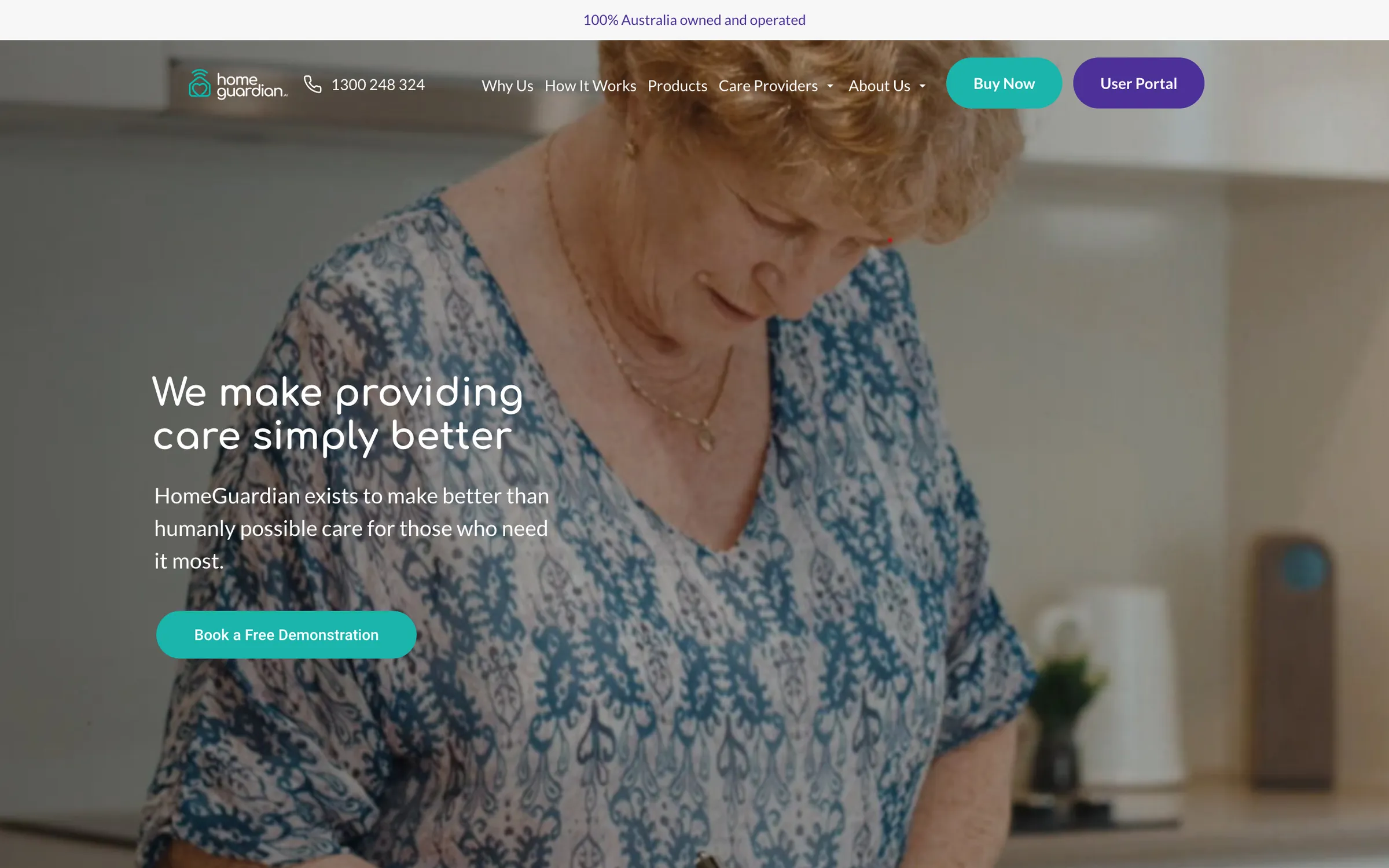
HomeGuardian.ai makes an in-home device that uses AI to detect falls and other incidents and alert family or carers. In 2020, before Hotpot Digital, our team designed and built its online store on WordPress and WooCommerce, with pages that explain the device to families and make the case to care providers, then ran its Google Search and Shopping ads.
The brief
HomeGuardian.ai sells to two kinds of buyer. Families buy the device for a parent or grandparent living at home, and care providers, from aged care homes to in-home care services, use it for the people they look after, sometimes through government funding programs.
The job was an online store where a family could buy the device, pages that made the case to care providers and booked them a demonstration, and Google ads, aimed using market research, to reach the people most likely to buy.
What we did
- UX and UI design for desktop, tablet and phone
- A WordPress and WooCommerce store
- A product page with the price, monitoring fee and bundle offer
- Pages for residential aged care, in-home care and the CHSP funding program
- A comparison with emergency buttons and movement sensors
- A demonstration booking form and a 20-question FAQ
- A User Portal link in the header for existing customers
- Google Search and Shopping ads, targeted using market research
How it works
A new kind of device, explained before the sale
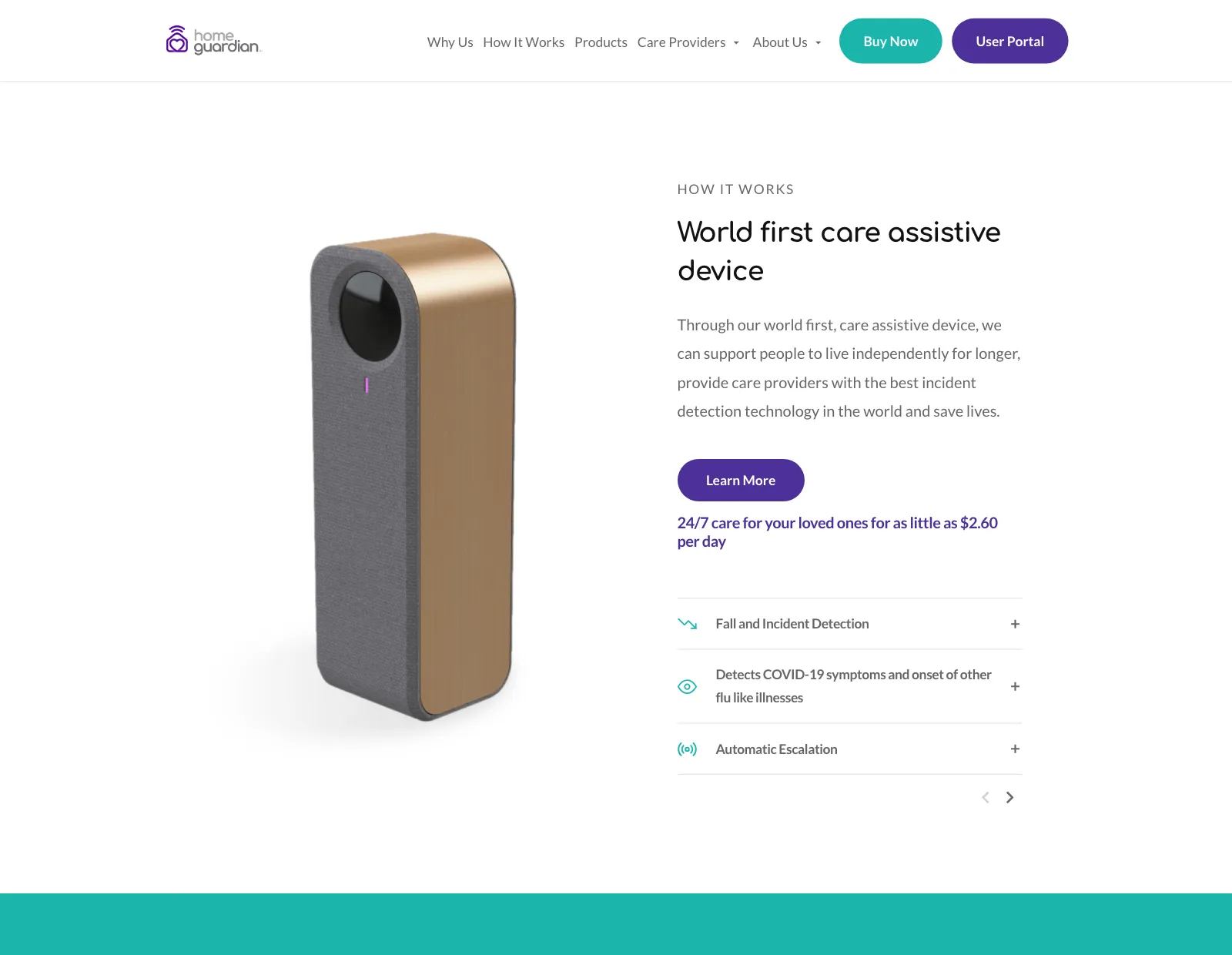
The home page explains the device before it asks for a sale. Beside a render of the device, a short section says what it does and what 24/7 care costs per day, and a list opens on each feature, from fall and incident detection to alerts that escalate on their own. Learn More leads to a How It Works page that walks through the AI in four steps.
Product and ads
One product page, from the price to the fine print
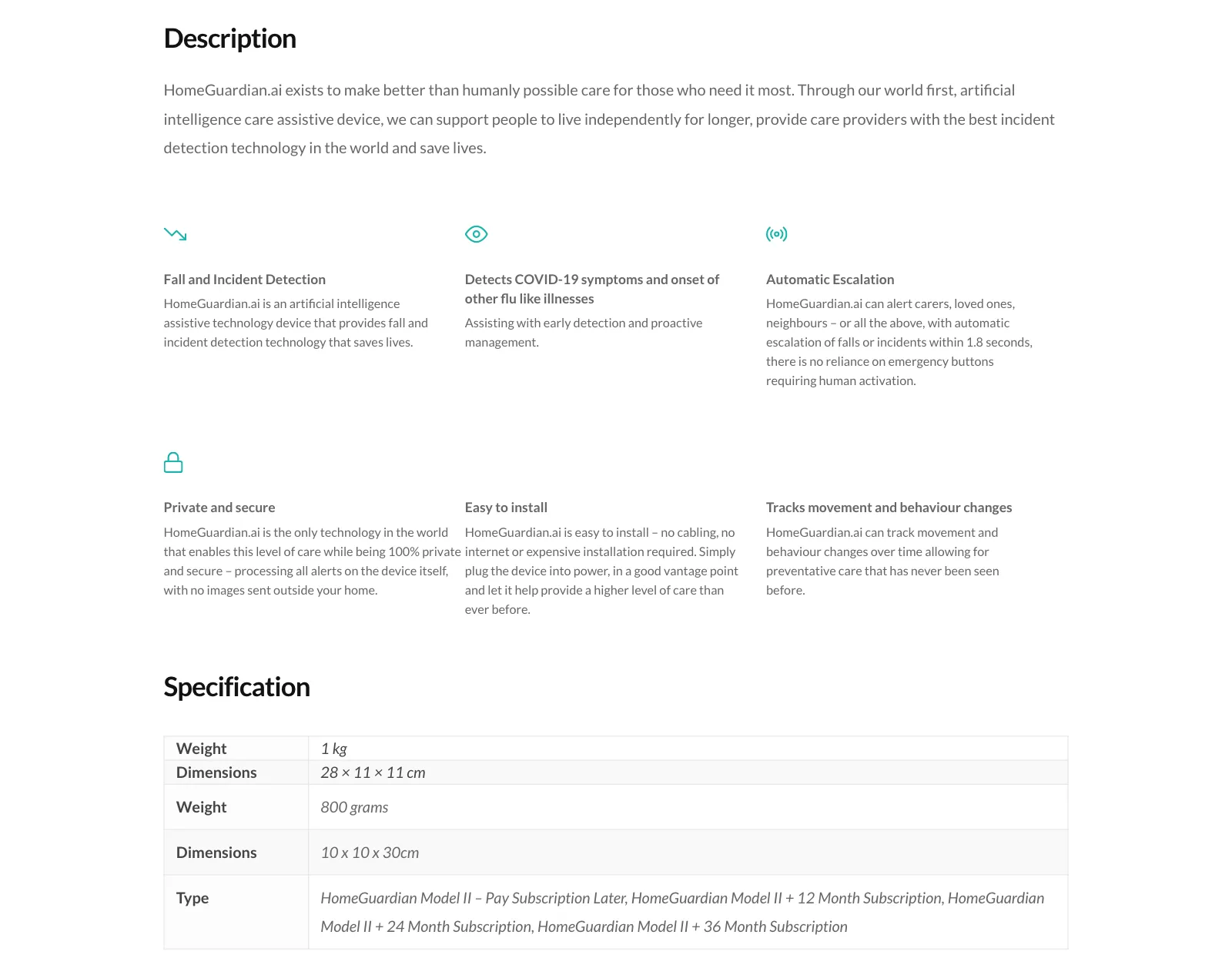
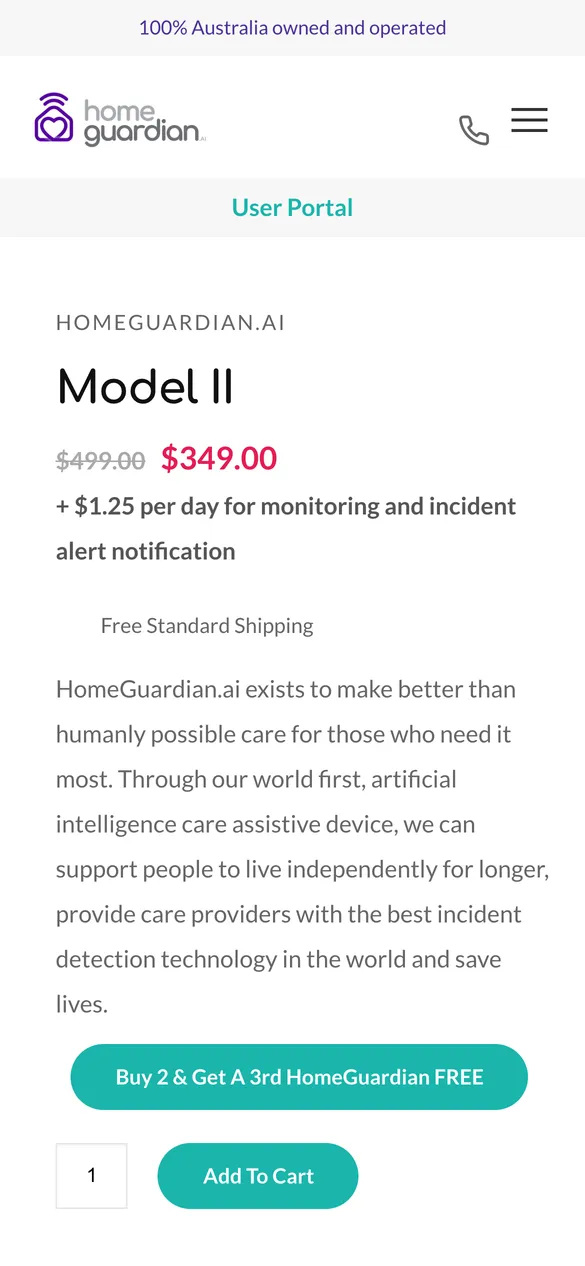
Buy Now sits in the header of every page and goes straight to the Model II page. It shows the sale price beside the daily monitoring fee, free shipping and a buy-two-get-one-free offer, then each feature, the specifications and the subscription terms on offer. Once the store was live, our team ran Google Search and Shopping ads, aimed using market research at the people most likely to buy.
Care providers
The case for care providers, side by side
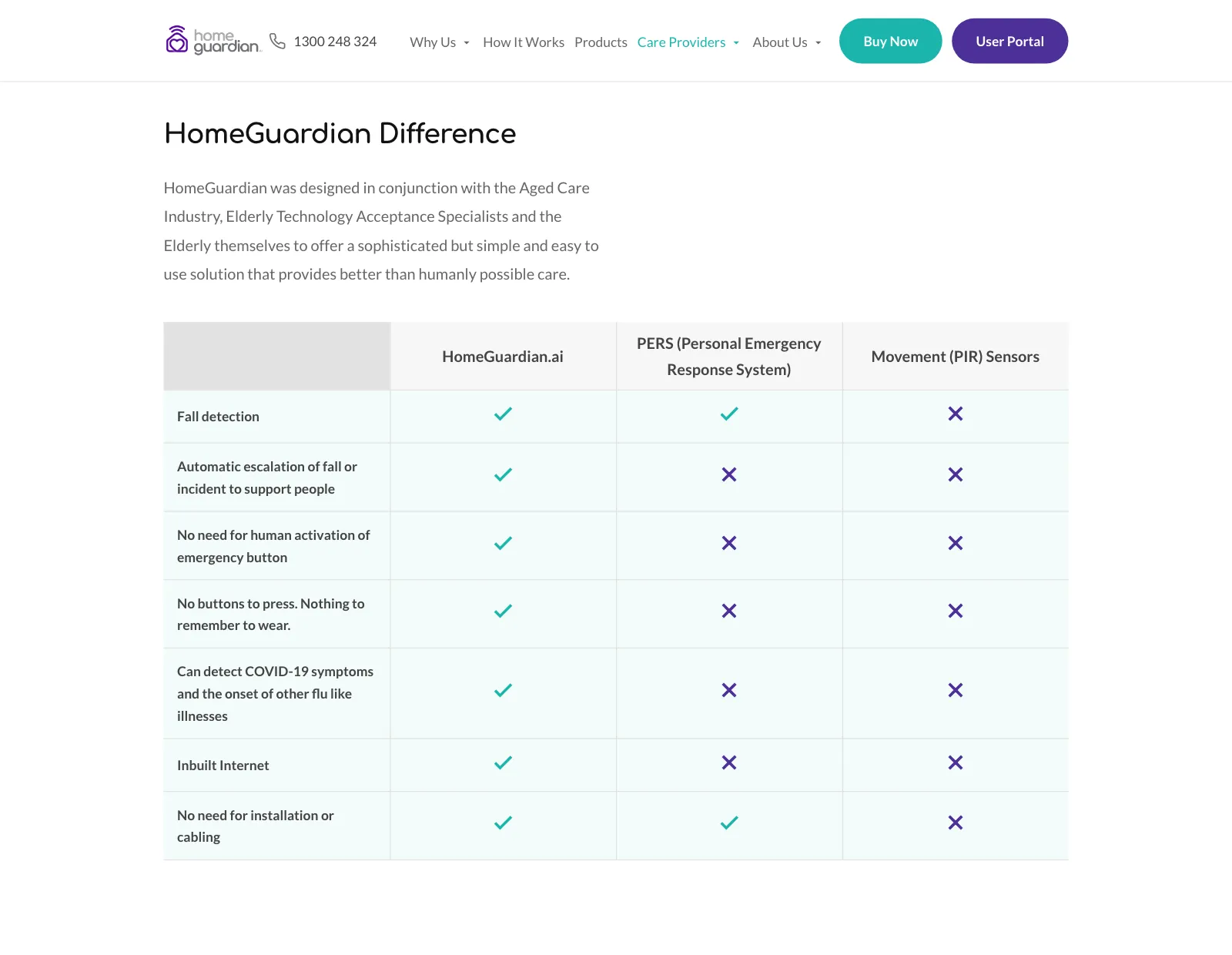
Care providers get their own menu, with pages for residential aged care, in-home care and the CHSP funding program. The residential and in-home care pages set out what the device does for staff and residents and how it can be funded, then compare HomeGuardian with personal emergency buttons and movement sensors, feature by feature, before offering a demonstration.
FAQs
Twenty questions answered on one page
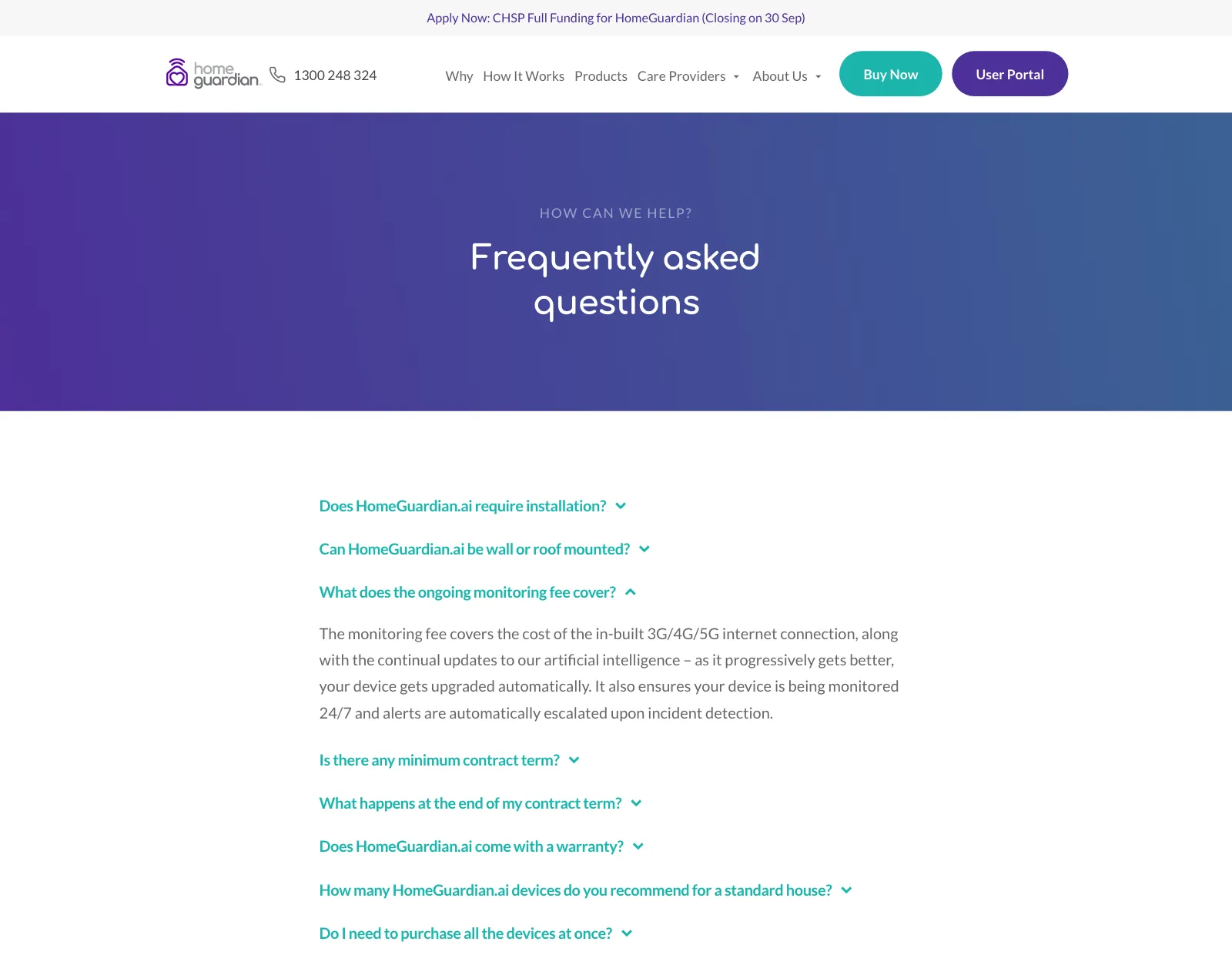
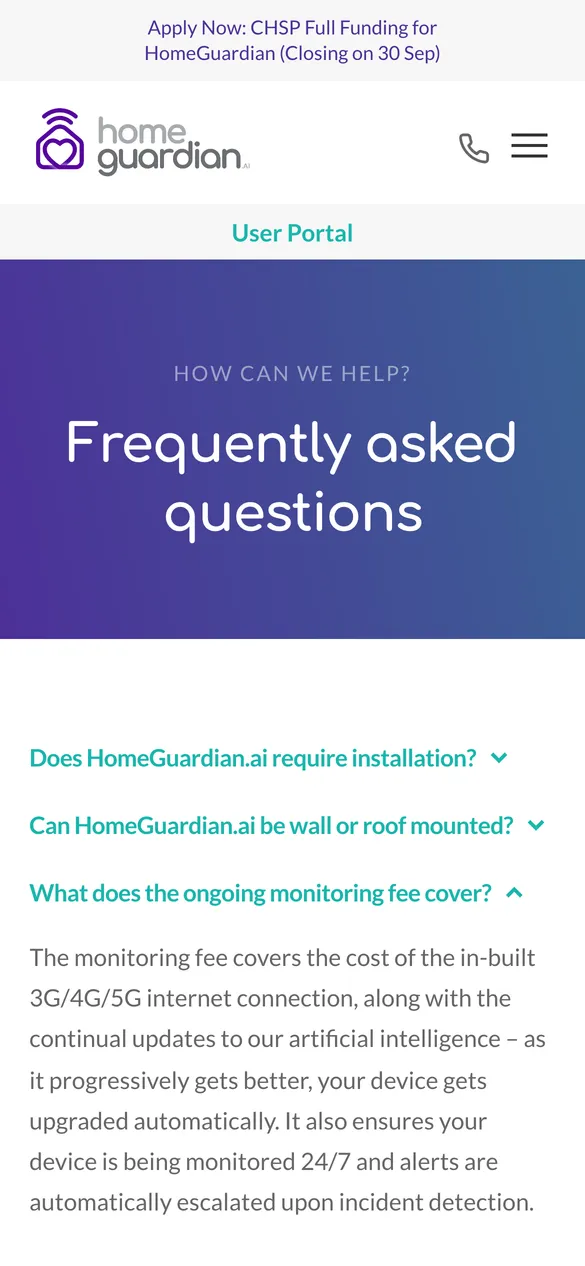
Buying a monitored device raises questions a product page can’t hold. The FAQ page answers twenty of them: whether it needs installing, what the monitoring fee covers, the minimum contract, the warranty, how many devices a house needs, and whether any images leave the home. Each answer opens in place, so the list stays short enough to scan.
Free demonstration
A demonstration booked at a time that suits
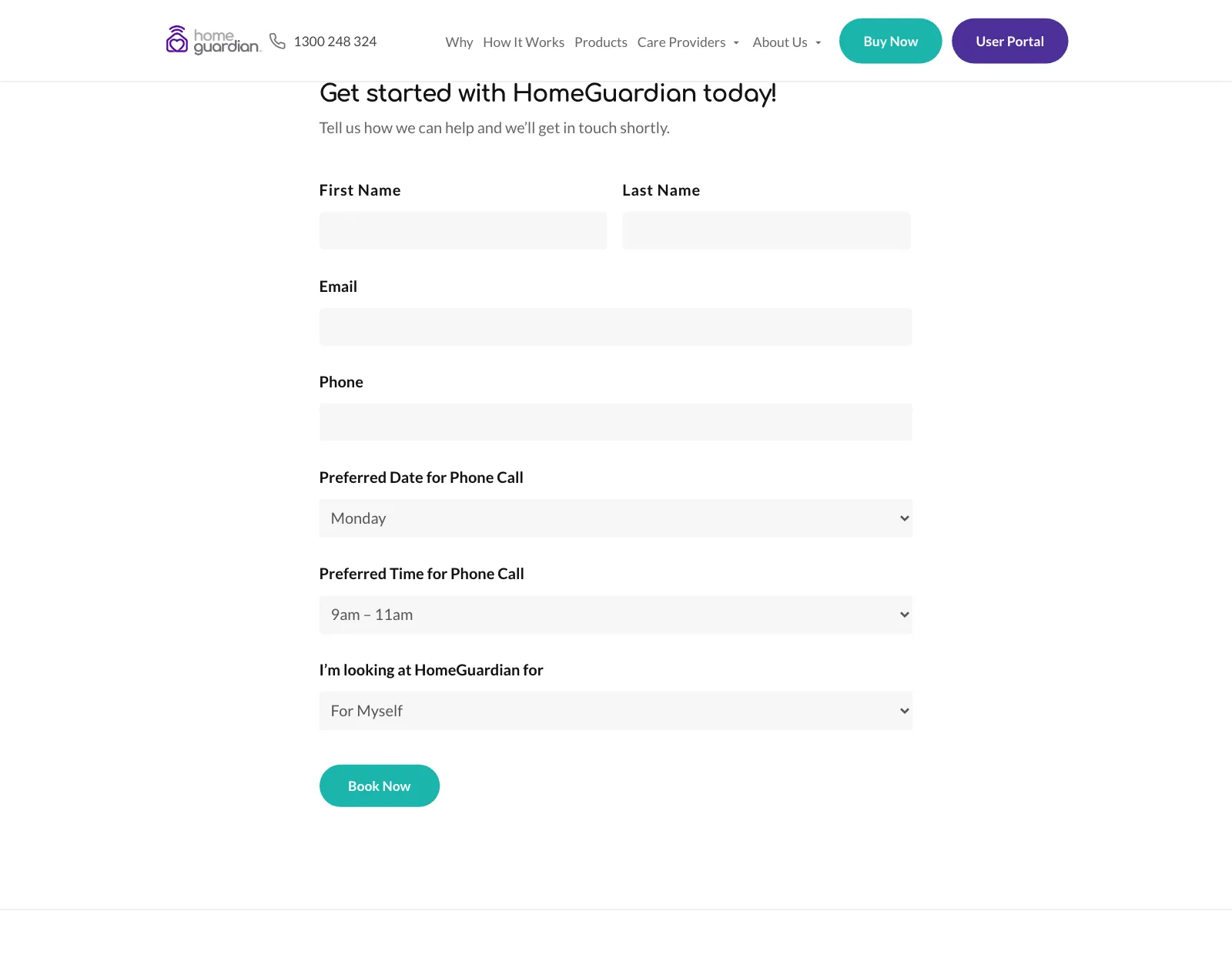
Book a Free Demonstration is the main button on the home page and the last step on the care provider pages. The form asks for a name, email and phone, then a preferred day and time for the call, and whether the device is for the person filling it in or a loved one, so each request arrives with a time to call.
Phones
The same store on any screen
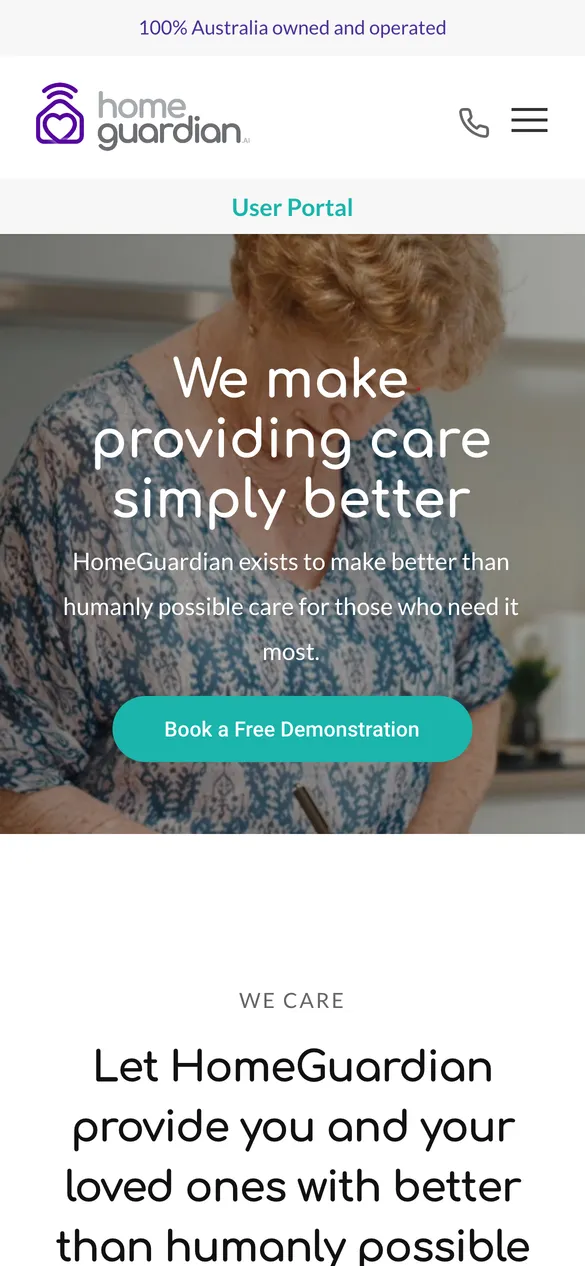
Every layout was designed for phones as well as desktops. On a phone, the header keeps the call button and a User Portal link for existing customers in view, the product page stacks the price, monitoring fee and Add to Cart in one column, and each FAQ answer opens in place. The store ran on WordPress and WooCommerce from 2020 into 2022.
Key facts
- Client
- HomeGuardian.ai
- Industry
- Health technology
- Based in
- Varsity Lakes, Gold Coast
- Built
- 2020
- Platform
- WordPress and WooCommerce
- Ads
- Google Search and Shopping
- Delivered by
- Our team, before Hotpot Digital
- Today
- HomeGuardian has since moved to a new site
FAQ
Questions about this project
Who designed and built the HomeGuardian.ai store?
Our team did, in 2020, before Hotpot Digital. We designed the store, built it on WordPress and WooCommerce, and ran its Google Search and Shopping ads.
What does the HomeGuardian.ai store include?
A product page for the Model II device, with its subscription options; a How It Works page; pages for residential aged care, in-home care and the CHSP funding program; a comparison with emergency buttons and movement sensors; a demonstration booking form; and an FAQ of twenty questions.
Is this the store HomeGuardian uses today?
No. Our build went live in 2020 and ran into 2022, and HomeGuardian has since moved to a new site. The screenshots here come from archived copies of our build from September to November 2020.
What would a store like this cost with Hotpot Digital?
A store like this fits our E-commerce package: $5,490 + GST for a Shopify or WooCommerce store with payments, shipping, up to 25 products and 5 pages. This site had more pages than that, at $190 each. Google Search and Shopping ads are a separate monthly service, from $490/mo plus your ad spend.
How long does a store like this take?
An E-commerce site takes about four to six weeks. Ads can start once the store is live, and we give you the timeline in writing with the fixed price.
More work
Keep exploring
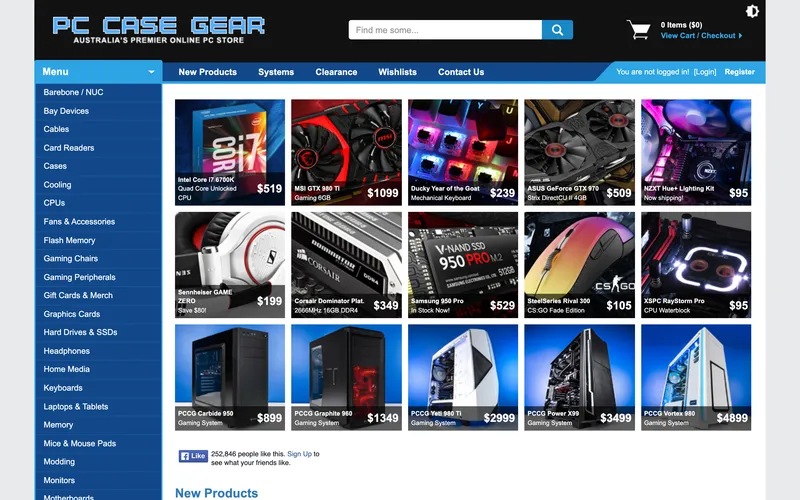
PC Case Gear
Payment security and integrations for a leading Australian PC parts store.
- Custom builds
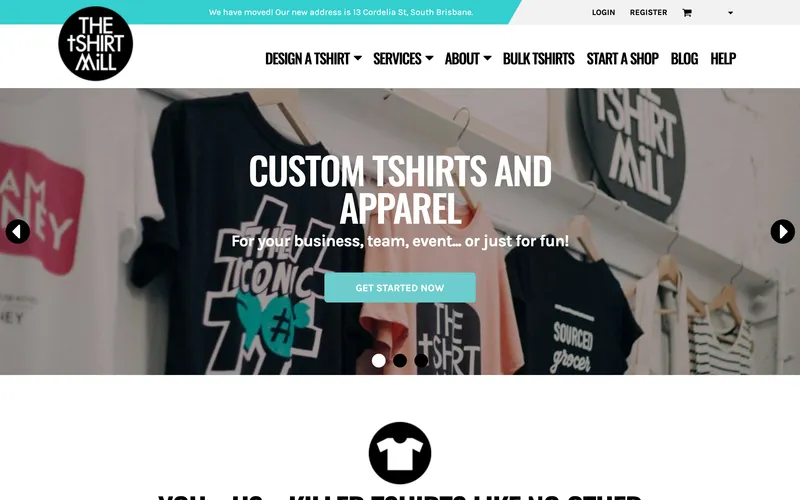
The Tshirt Mill
One Google Ads campaign for three printing brands. Cost per conversion fell by $30.
- Google Ads
- SEO
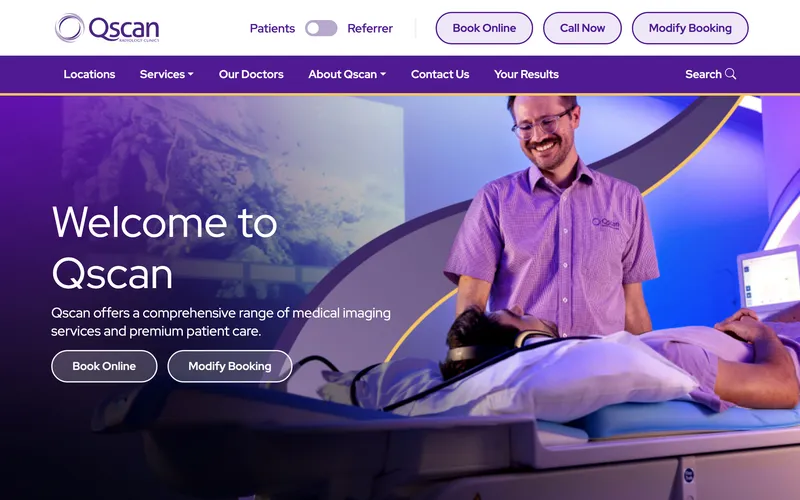
Qscan Group
A corporate site and five clinic brands, each built for patients and referring doctors.
- Websites
- Hosting & care